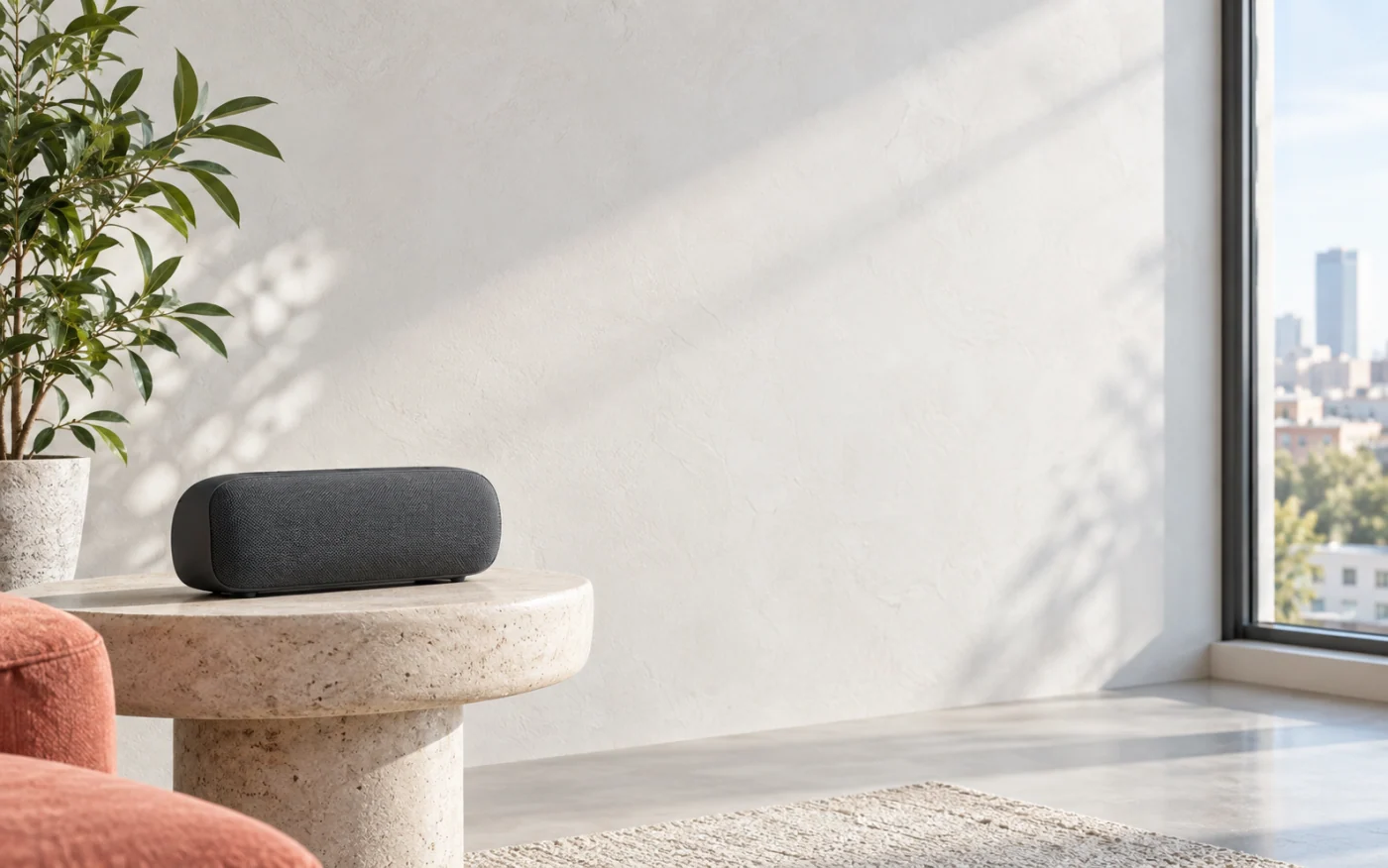
A SMALL MAC APP. A NEW WAY TO LISTEN.

TuneSpoke
Your speakers.
Now with AirPlay.
Stream music, podcasts, and video audio from your iPhone, iPad, or another AirPlay-compatible device to the speakers connected to your Mac.
See it in actionOne purchase. All features. No subscription.
 Your Mac makes the connection.
YOUR MUSIC. YOUR CHOICE.
A familiar name.
A favourite speaker.
Give each Mac-connected output its own AirPlay name.
Then choose where to listen from your iPhone, iPad, or another Mac.

WHERE WILL YOU LISTEN?
Illustrative preview · Try a destination
Your next listen
starts right here.
Choose Living Room in AirPlay. Your Mac sends the audio to the output you assigned.
Use the AirPlay controls you already know. No TuneSpoke app needed on your sender.

MORE THAN MUSIC
Movie night.
Better sound.
Keep watching on your screen. Hear the audio through the speakers connected to your Mac—from compatible video apps using AirPlay.

A PLACE IN YOUR DAILY ROUTINE
Say it. Play it.
Let familiar speakers become part of your routine. Add them to Apple Home for Siri, scenes, and automations.
TuneSpoke guides you through setup.
Apple Home is optional. Automations need a home hub.


CLOSE AT HAND. OUT OF THE WAY.
Small app.
Everyday convenience.
Start a destination, stop one, or open its settings. Your speakers are always a menu-bar click away.
Set it up on your Mac.
Get back to whatever you love listening to.

KEEP WHAT YOU LOVE
New possibilities.
Same speakers.
Your Mac is the bridge.
TuneSpoke brings it together.
- 01
Choose an output.
Pick a Bluetooth speaker, USB audio device, headphones, or another output available on your Mac.
- 02
Make it yours.
Give it an AirPlay name. Office, Bedroom, or something entirely your own.
- 03
Choose it. Press play.
Select that name in your sender’s AirPlay controls. Keep your Mac and TuneSpoke running while you listen.
Mac with Apple silicon or Intel · macOS 14 or later · AirPlay-compatible sender
Same local network. Bluetooth outputs stay within range of the Mac.
Can I use the speakers I already own?
If an audio output is available on your Mac, you can select it in TuneSpoke. That includes built-in speakers, headphones, Bluetooth speakers, USB audio devices, and other compatible outputs.
Can I listen to videos through my speakers?
Yes. From a compatible video app, use AirPlay to send the audio to your TuneSpoke destination while the picture stays on your screen. For timing issues, see video-audio help.
Does my Mac need to stay on?
Yes. Your Mac connects the sender to its audio outputs. Keep the Mac and TuneSpoke running and available while you listen, with your sender on the same local network.
Do I need an app on my iPhone?
No. Use your sender’s existing AirPlay controls. TuneSpoke runs on the Mac; there is no companion app to install on your iPhone or iPad.
Do I need Apple Home?
No. You can play through AirPlay without Apple Home. Home setup is optional for Siri, scenes, and automations. Automations require an Apple home hub.
Is there a subscription?
No. TuneSpoke is a single purchase with all of its features included.
YOUR NEXT FAVOURITE WAY TO LISTEN
Love your speakers.
Listen your way.
TuneSpoke for Mac. One purchase. No subscription.
Coming to the Mac App StoreHave a question? Get in touch